
TABLE OF CONTENTS
Introduction
Klaviyo, a premier marketing automation platform, specialises in elevating eCommerce through targeted SMS and email campaigns. Leveraging its API, Klaviyo seamlessly integrates with business systems, enabling the automation of personalised marketing strategies.
Template Solutions
|
Name |
Trigger |
Action |
Description |
|---|---|---|---|
|
Update Klaviyo custom property on a contact profile with Feefo review data |
Feedback Created (Feefo) |
Update Klaviyo contact profile with review information |
This flow automatically updates Klaviyo contact profiles with their latest Feefo review data. By syncing sentiment and ratings directly into your email platform, you can segment your audience with precision. |
|
Flag a Feefo review for moderation in Klaviyo |
Review marked as moderation required in Klaviyo |
Request moderation by feedback ID (Feefo) |
This flow lets you flag Feefo reviews for moderation directly from Klaviyo. Whether it’s inappropriate content or a factual error, you can trigger a review request without switching apps. By streamlining the moderation process, you ensure your public feedback remains accurate and trustworthy, allowing your team to maintain high standards of customer transparency while saving time on manual reporting. |
|
Respond to a Feefo review in Klaviyo |
Respond to feedback in Klaviyo on a contact |
Respond to Feedback (Feefo) |
This flow allows your team to view and respond to Feefo reviews without ever leaving Klaviyo. By centralising feedback alongside your support tickets, you eliminate platform-switching and ensure faster, more consistent responses. |
|
Send a Feefo feedback request from Klaviyo |
Request feedback link (Klaviyo) |
Create feedback request link (Feefo) |
This flow triggers a Feefo review request the moment a support ticket is solved in Klaviyo. By capturing feedback while the service experience is top-of-mind, you gain valuable insights into your team's performance and build public trust. |
Triggers are the events that starts the flow. All triggers run in real-time, i,e, data is transferred at the moment the event occurs
-
New Profile
-
New Event
-
Added Profiles for List
-
Added Profiles for Segment
Actions are what Feefo performs when your flow is running., Actions also allow you to transfer data to other apps and systems
-
Create Profile
-
Find Profile by Email
-
Subscribe Profiles
-
Unsubscribe Profiles
-
Add Profile To List
-
Remove Profiles From List
-
Send a Campaign Immediately (Legacy)
-
Create Event
-
Create or Update Profile
-
Get Profile by ID
Before setting up integrations with Klaviyo connect the app.
Connect the App
-
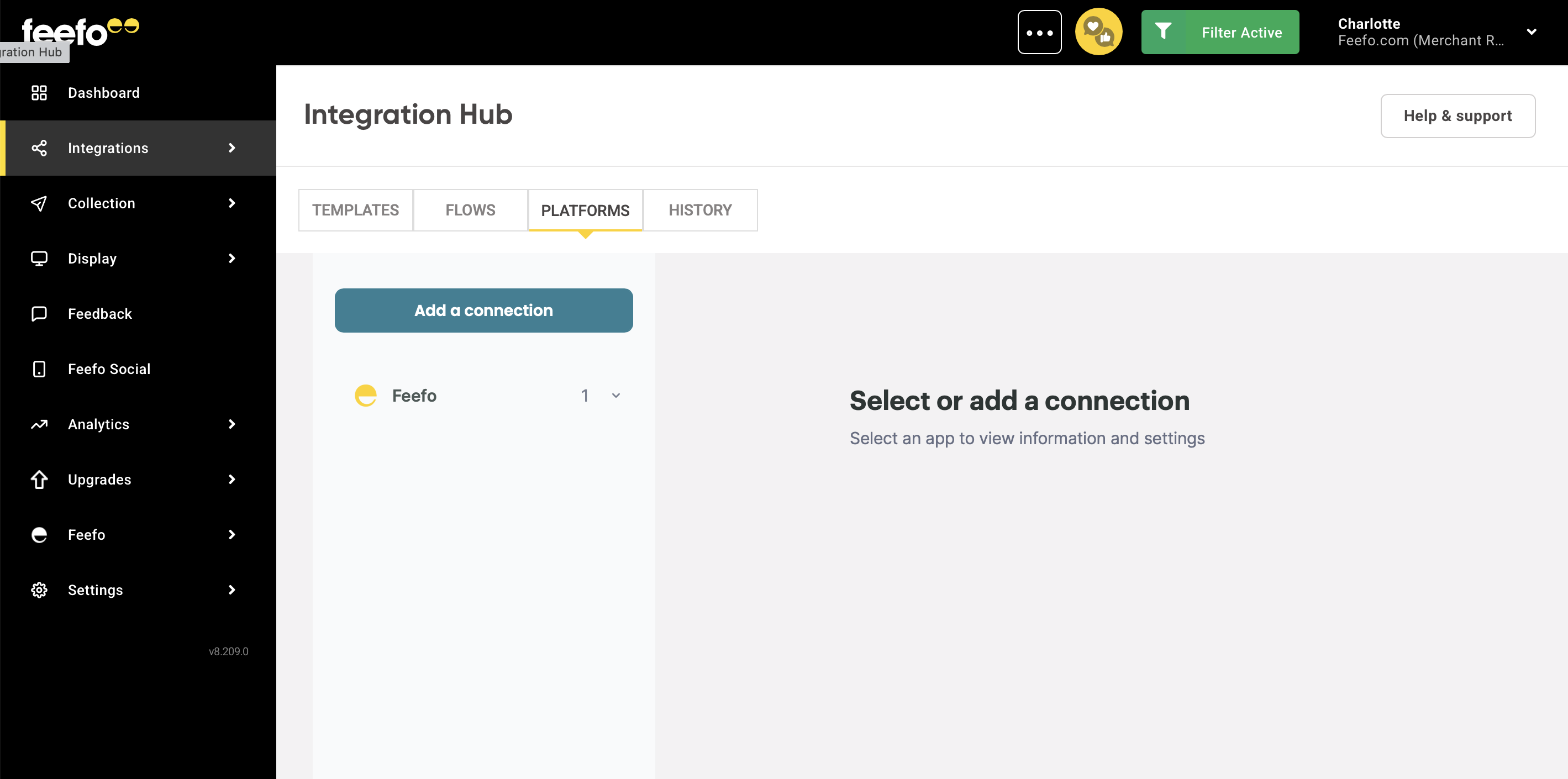
Open the Integrations Tab, click the Integration Hub.
- Select the Platforms tab.
-
Select the Add a connection button.
-
Find Klaviyo in the search bar.
-
Click the Add a connection button.
-
Set a name for your connection.
-
Paste your Access Token into the designated field.
To get your Access Token:
-
Go to your Klaviyo account. Click on the account icon and go to the "Account" section.
-
Navigate to the "Settings" section.
-
Go to the "API Keys" section.
-
Click the "Create Private API Key" button.
-
The key will be generated. Click on the 👁 icon to reveal this key.
- Copy the API key.
Ready! Open the created connection. In the Integration Hub section you can change the name of your connection and refresh its access.