
Introduction
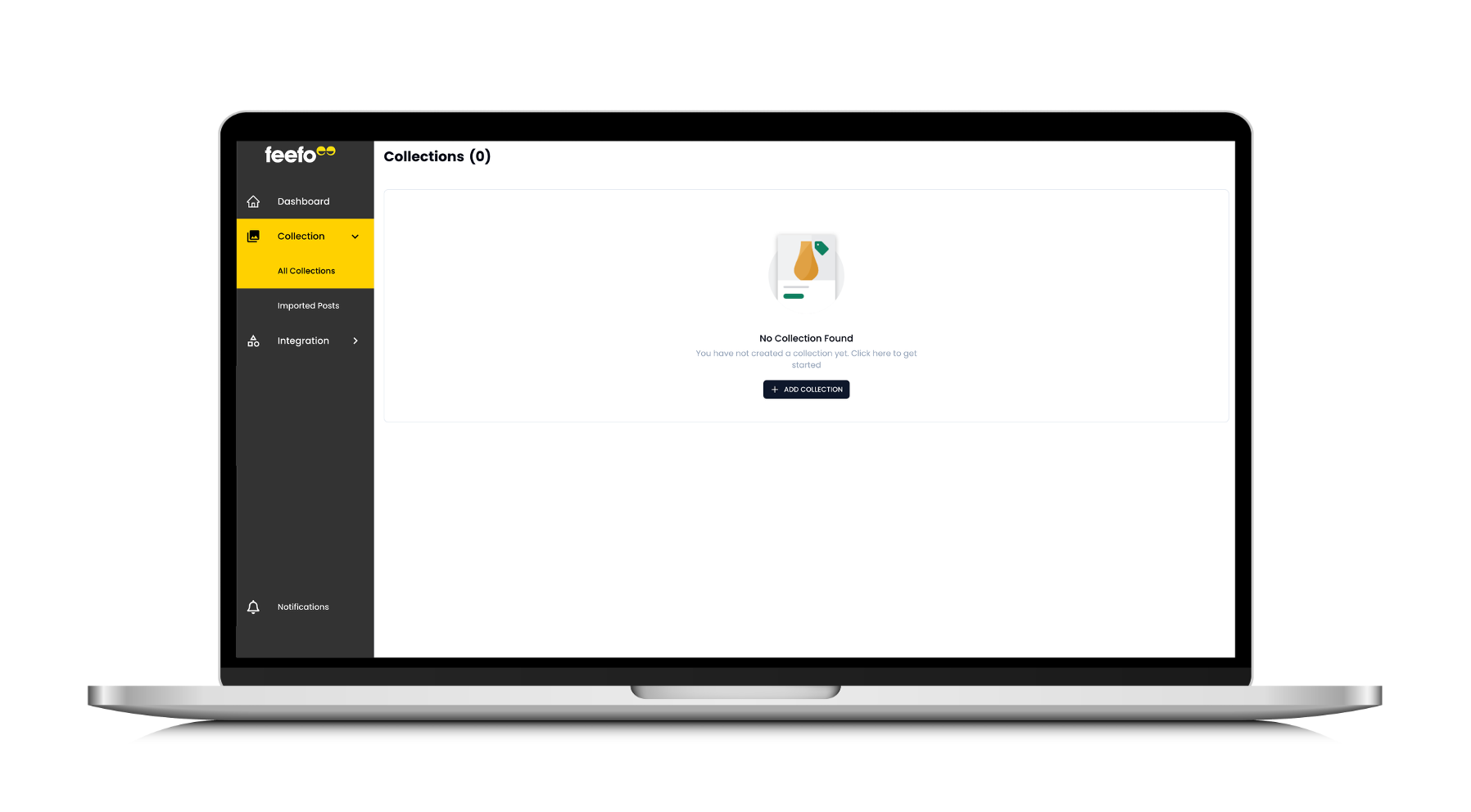
This article explains how to create a Collection in Feefo Social. A Collection (also called an album) lets you group and display social posts from a chosen source.
How to Create a Collection
- Log in to your Feefo account. If you do not yet have an account, contact your Feefo administrator.
- Click Feefo Social.
- Click Collection > All Collections on the left navigation menu.
- A pop-up will appear. Enter a name for your collection, select a source, and the method using which you want to fetch posts. Once done, save it.